 @fell@ma.fellr.net
2026-09-12 09:31:13
@fell@ma.fellr.net @jamesthebard@social.linux.pizza
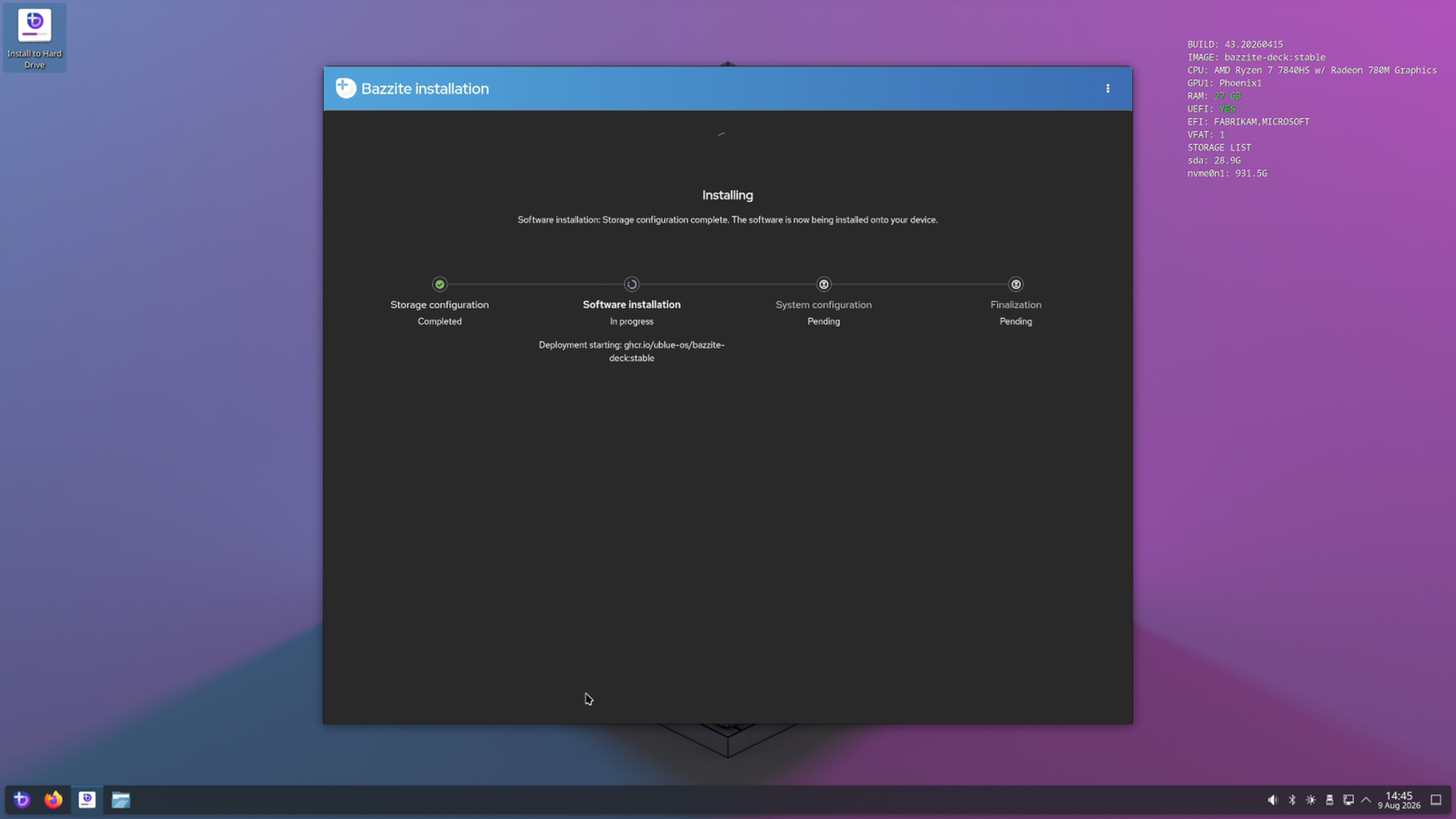
Have a spare Beelink, figured the bedroom could use a nice "Steam Machine". Should be more than capable enough to run things like _Slay the Spire 2_ and various Metroidvanias.
#steamMachine #steam
 @Neybulot@pawb.fun
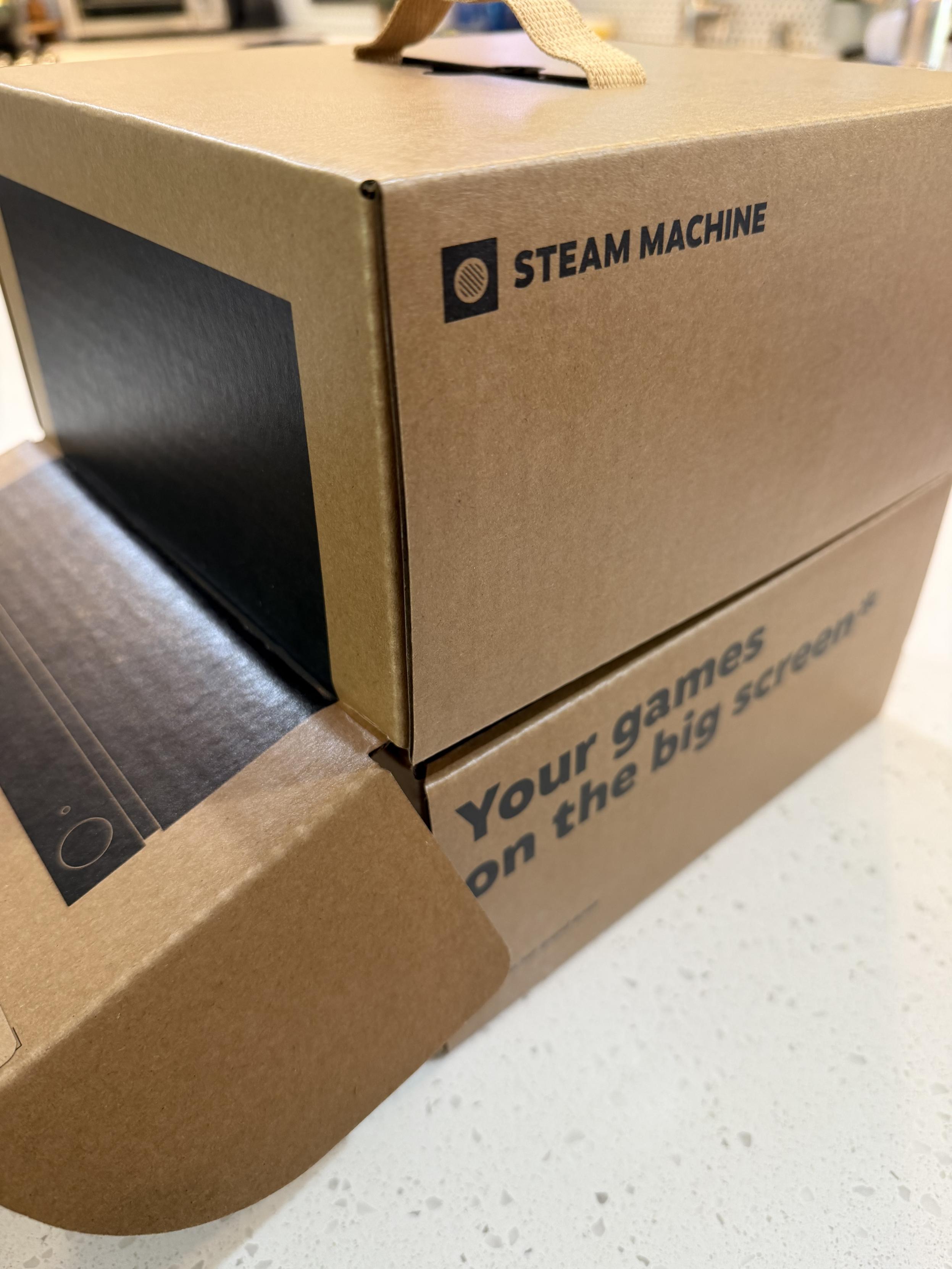
I got it, I unboxed it 👀
#SteamFrame #Steam
 @mikeymikey@hachyderm.io
Oh hi #steam
 @pre@boing.world
Been mostly playing Unloop, which you would think is a pretty simple game requiring not a lot of performance.
But the headset has not been performing well with it. It gets by. Slows down and drops frames as it gets latter in the loop with more actors acting.
So compared to the Quest, the Frame is more expensive, and it's worse performing, and it's battery life is worse, it's less comfortable and it needs more expensive and rare chargers.
So obviously I think the Frame is clearly better by some considerable margin, mostly because Steam is not a nightmare end-of-the-world surveillance capitalist and spook collaborator run by the word's biggest creep, whereas Facebook is that.
Instead Steam have built a device which is open for programming, and which I am interested in writing software for, and which doesn't feel pwned by the man before it even arrived.
#steamFrame
 @pixelpusher220@dmv.community
#Tech #Steam #Autonomous
This is cool. Steam built it's controller to use it's haptic feed back to find and move to it's charger.
https://www.youtube.com/shorts/DRp-eh2pCFo
@pre@boing.worldThe Steam Frame arrived.
Not a great experience so far really.
The Wifi-dongle that brings 6G streaming doesn't currently work on Linux V6 kernels. Which is what Debian has.
Apparently Windows is the only thing fully supported really. Internet doesn't even sound that optimistic about the Steam Machine though it ought to at least work once I have one of them.
Streaming from the linux box is mostly unsuccessful during this lunch break here. Slow to start and timing out, slow to get going. Presumably partly coz only 5G wifi.
Controllers feel light and shoddy, aren't tracked particularly well. Pistol Whip scores well down due to the dropping frames and the terrible tracking of the aim.
Overall seems worse than the Vive at 30 minutes or so of playing with it.
Hope they improve it I guess, and streaming might work better once there's a machine with a V7 linux kernel compatible with this wifi dongle in the house.
Fairly comfortable to wear, though the foam attached by magnets comes off too easily as you don or remove the headset.
Sadly, this is not currently a machine which beats Facebook's Quest3 at all.
Have tried to install Alyx and Doom VR on it directly. Can't tell how that goes till after work now really.
#steamFrame #vr
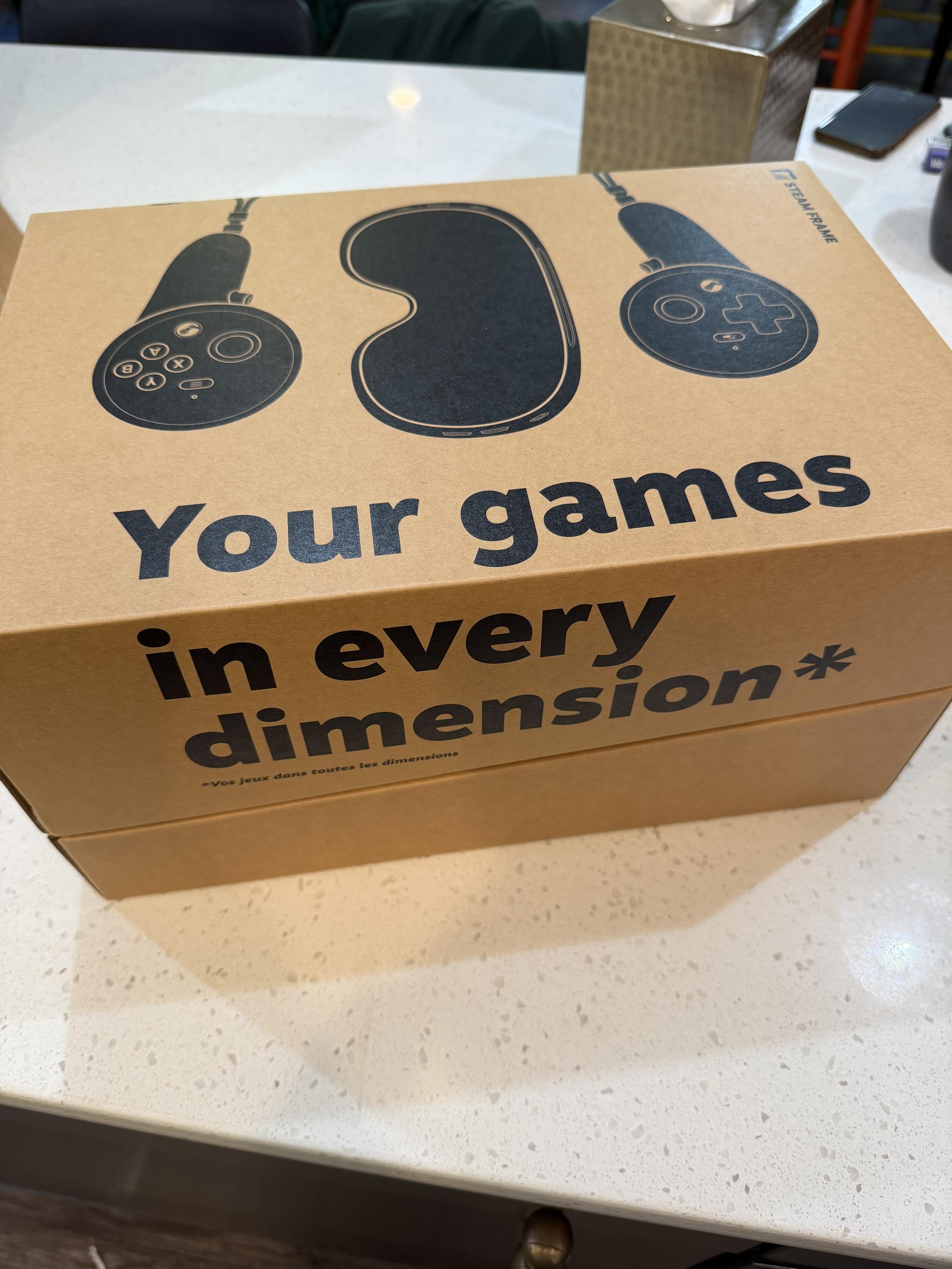
@mikeymikey@hachyderm.ioAnnnnnd it's here! #steam #steamframe
 @pre@boing.world
Battery life on the Steam Frame is really rather poor for sure.
Barely getting more than an hour from it.
Fast-chargers are going to be be an important thing, coz all the chargers I have lying around are taking 4 hours to charge it up for an hour of a game? Something like that.
Better chargers are on the way.
Also, a battery with fast-charge of many watts which is suitable for a pocket with a wire to the back of the head.
Back of the head there does feel quite well designed for having an external battery pack.
#vr #steamFrame
@pre@boing.worldWell I do not recommend trying the beta channel.
After trying that it booted into a VR KDE desktop without Steam running, and without internet. And without SteamVR package installed.
Only rescue was holding the headset button during boot, using the volume keys to select the prior boot system, and doing a factory reset to make it stick.
Crikey. Really is a linux box, complete with having to fix update breakage.
#steamFrame #vr
 @BBC6MusicBot@mastodonapp.uk
🇺🇦 #NowPlaying on #BBC6Music's #TheCraigCharlesFunkAndSoulShow
Steam Heat:
🎵 Frozen Tundra Lady
#SteamHeat
https://open.spotify.com/track/2RzwHArEWeeH6Bs7WET61b
@BBC6MusicBot@mastodonapp.uk🇺🇦 #NowPlaying on #BBC6Music's #TheMusicIsBlack
Steam Down:
🎵 Free My Skin
#SteamDown
https://open.spotify.com/track/3a9BypAqVxHNCZgHQXfeG7