 @aral@mastodon.ar.al
2026-01-07 18:31:29
Hey everyone,
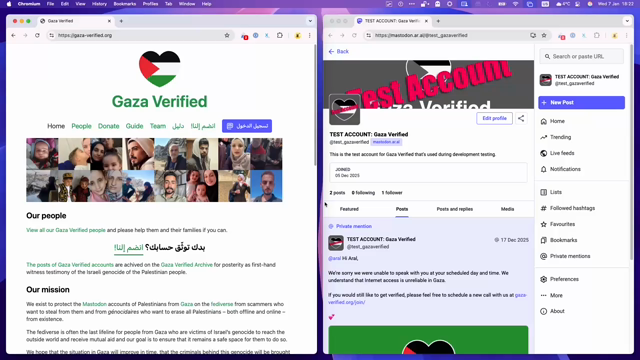
Gaza Verified is now open again for verification calls in 2026.
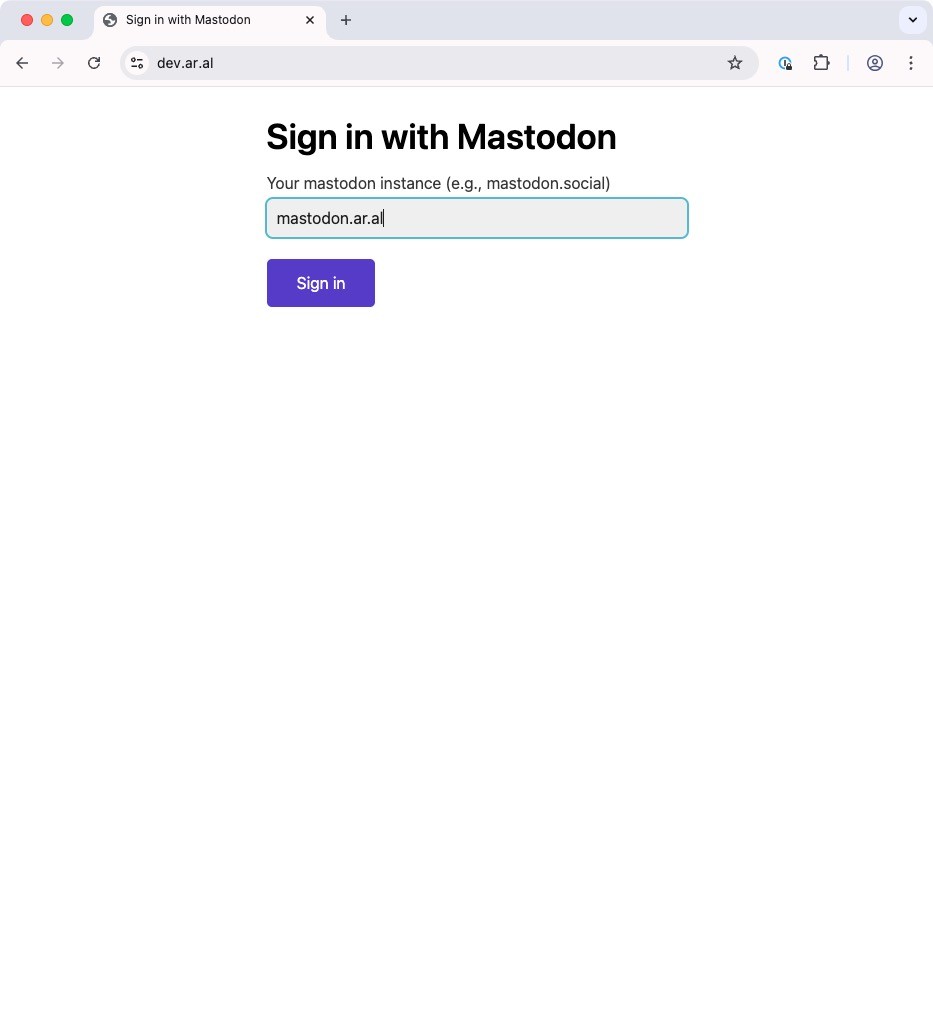
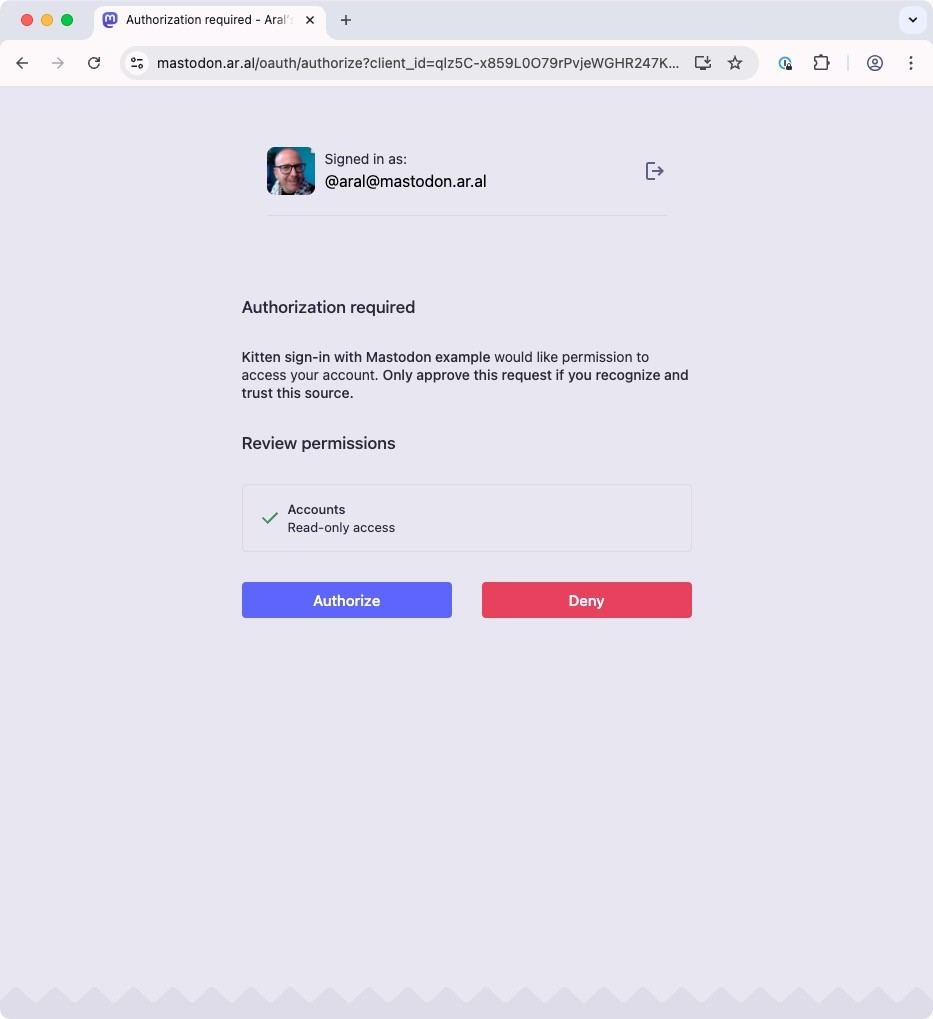
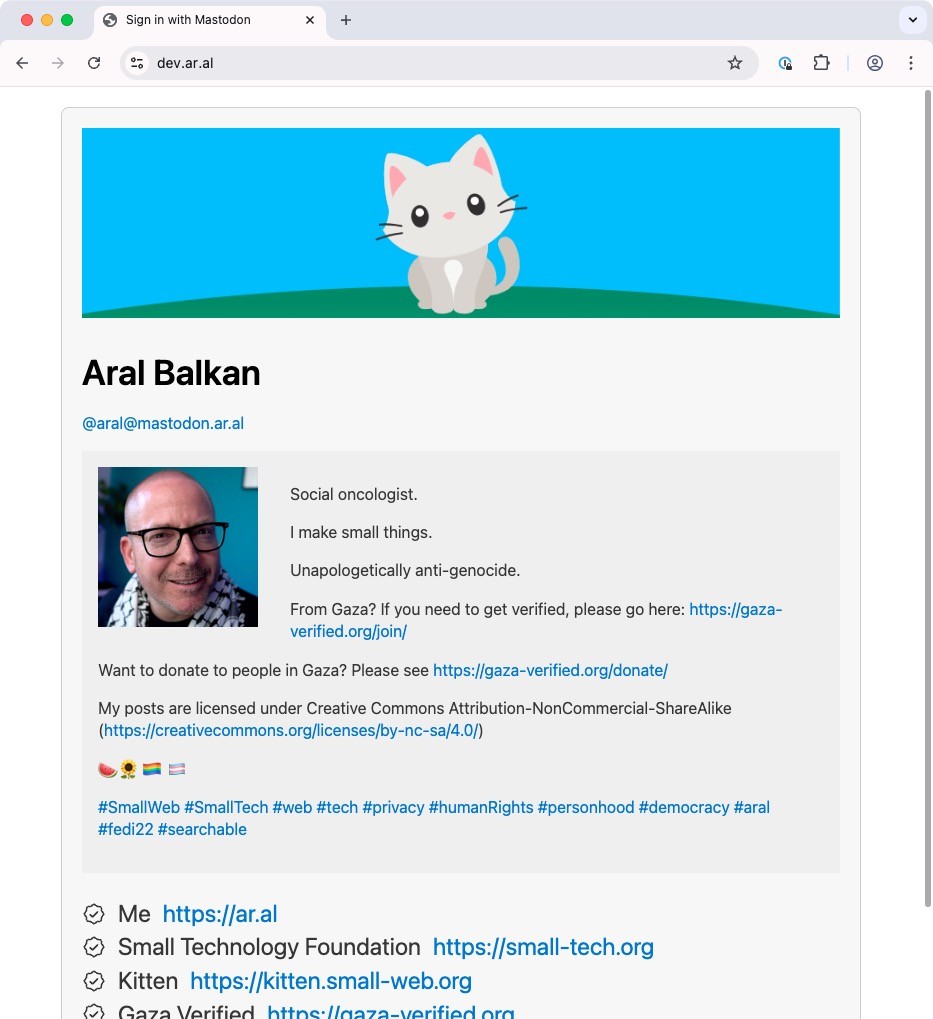
The new process for signing up for verification calls uses sign in with Mastodon and should remove the last remaining technical hurdle that was giving some of our friends in Gaza a hard time (adding the verification link to your Mastodon account is not intuitive in the current Mastodon interface). With this new flow, you won’t have to, we do it for you.
 @teledyn@mstdn.ca
2025-12-01 18:11:21
so
very
frustrating
#Gnome #Evolution how is this even possible? Fresh #Debian13 install, launched, added my google workspace, read and answered email, browsed calendar, really nice, but the VERY NEXT MORNING suddenly tossed into OAuth2-is-missing, step through the 'wizard' and it always ends with the same heartache, are you trying sign in? and then…
Mail authentication (shown) gives a URL to a page, Make sure you trust Gnome (4 perms already granted, Google console agrees) but in Firefox that URL asks to confirm and then reverts to google.com. In the minibrowser, it gets to "Requesting access token, please wait"
And wait you do.
How is this even POSSIBLE? What could cause it to (a) drop an OAuth2 overnight that had been in use for a day and (b) subsequently give a URL that does not result in an access token. I removed permissions on the Google side, but same results. Reinstalled Evolution, no change
yes, I checked gitlab.gnome.org
 @aral@mastodon.ar.al
2026-01-02 20:05:31
Just added a “Sign in with Mastodon” example to Kitten’s¹ examples:
https://codeberg.org/kitten/app/src/branch/main/examples/sign-in-with-mastodon
If I have time at some point, I might make it into a tutorial.
Enjoy!
:kitten:💕